


Software Downloads

The evaluation versions of our software are fully functional programs and is the same download as the licensed  version of our software.  The evaluation version will add a watermark file to all of the pages of your PDF document.  To remove the watermark you must purchase a license for the software and then reprint the drawings.  Or just enter your information to the right and we will email you a 30 day evaluation code that will remove the watermarks while you evaluate our software.

Evaluation / Registered Versions:

  • Evaluation and Registered versions are the same download for all of our products.

  • Registered users can download and install the latest version to update to the current release.

  • Evaluation Versions will place a watermark on each page.  Try it for 30 days for free without the watermarks by entering your information to the right.

System Requirements:

  • Fully supported on Windows 2000, Server 2003, XP, XP64, Vista, and Vista 64.

  • Unsupported on Windows  NT, 98, and ME.  Sine Microsoft and Autodesk has dropped support for these operating systems we have also decided to not support them any longer.

  • You should also have the latest updates and service packs installed.

  • 100 MB of free disk space on the C: drive.

  • 512 MB of RAM minimum. (1 GB or higher recommended.)

  • Pentium 1 GHz or better processor minimum.  (Pentium 1.8 GHz or higher recommended.)

  • 1024 x 768 with video display or higher.

  • Permission to add and modify system printers.  If you do have this ability then please have your System Administrator install the program.

Current Build Dates For Each Program:

  • The current build date as well as the revision history for each program can be found by clicking on the Revision History.  If you have one of the newer builds installed you can also check for updates from the Help->Check for Updates menu selection.  If the Check for Updates is not shown under your help menu then please download the latest version below.


The AcroPlot Pro and AcroPlot programs are a common download.  When running
in evaluation mode you can decide which version you want to test.

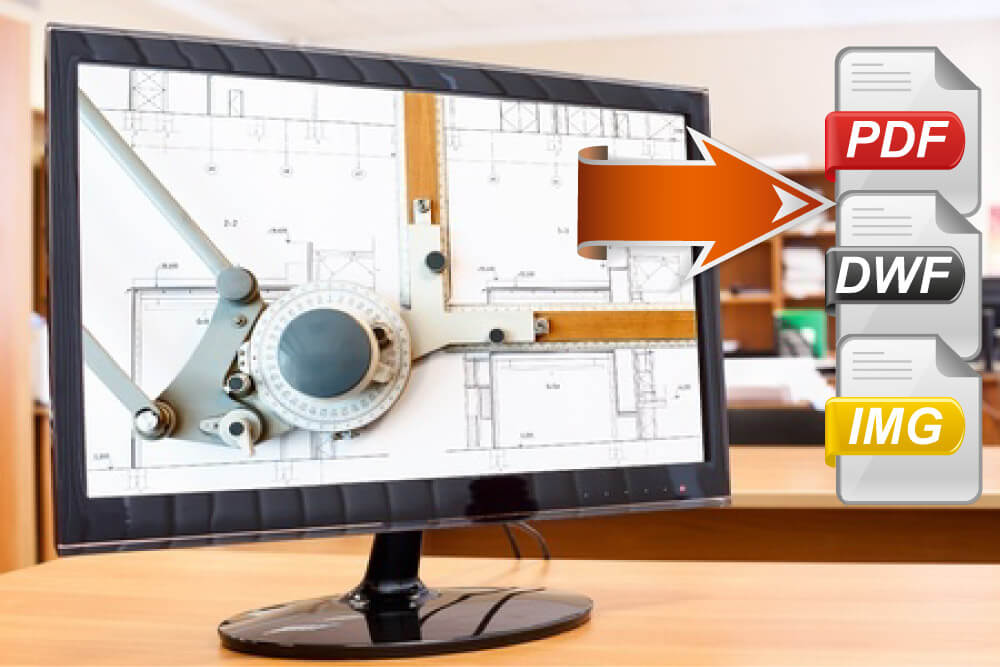
AcroPlot Pro™ is the next generation in digital CAD conversion software. With the capability to convert an extensive list of file formats to PDF, DWF, and images AcroPlot Pro will serve as a nexus for CAD Professionals everywhere.

Input Formats: DWG, DXF, DOC, TXT, RTF, XLS, BMP, CALS, JPG, GIF, TIFF, PLT and more.

Output Formats: PDF, DWF, BMP, CALS, JPG, GIF, GP4, PNG, TIFF

AcroPlot™ is CADzation’s award winning software for converting AutoCAD and Microsoft Office Word files into high quality Portable Document Format (PDF) files that are fully text searchable. 

Input Formats: DWG, DXF, DOC, TXT, RTF

Output Formats: PDF

Download Now


Revision
History

AcroPlot Repro™ is designed as a high-end replacement to the free Ghostscript® processing utility used by Océ Repro Desk®, Kip Request®, MetaPrint™, and software applications that print PDF and DWF® files.

Input Formats: PDF, DWF, PLT

Output Formats: Monochrome TIFF


Download Now


Revision
History

AcroPlot Auto™ is the real workhorse that can convert entire drives of drawings to both PDF and DWF files. AcroPlot Auto can even run continuously or at schedules times.

Input Formats: DWG, DXF, DOC, TXT, RTF, XLS, BMP, CALS, JPG, GIF, TIFF, PLT, PDF, DWF and more.

Output Formats: PDF, DWF, BMP, CALS, JPG, GIF, GP4, PNG, TIFF

Request Evaluation Download

AcroPlot Matrix™ is the worlds first single application that enables users to insert, reorder, extract and delete pages in either PDF or DWF files.  AcroPlot Matrix will even convert TIFF, PLT, CALS, and other file formats to DWF or PDF on the fly during insertion! (Included with AcroPlot Pro)

Input Formats: PDF, DWF, BMP, CALS, JPG, GIF, TIFF, PLT.

Output Formats: PDF or DWF.

Coming
Soon
CADVault® by CADLock® allows you to secure all or part of your AutoCAD drawing that you create.
  • Lock valuable and important parts of your design to prevent unwanted modifications

  • Prevent unauthorized access to secured drawing elements

  • Digitally sign, co-sign or approve drawings

  • Create components that clients can use in their drawings but cannot explode or modify


Download Now
 

Whitepaper Downloads in PDF Format

  Creating PDF Files Without "lines merge" Enabled?  You Could Be In For a Big Surprise.

Distributing PDF and DWF Drawings Without Embedding "All Used Fonts" Spells Trouble.

The PLT to PDF Revolution is NOW!

White Papers

Creating PDF Files Without "lines merge" Enabled?  You Could Be In For a Big Surprise.

Distributing PDF and DWF Drawings Without Embedding "All Used Fonts" Spells Trouble.

The PLT to PDF Revolution is NOW!

Evaluate AcroPlot, Pro, or Matrix

Try AcroPlot, AcroPlot Pro, or AcroPlot Matrix for 30 days without any watermarks.
(Please do not use generic accounts like yahoo or hotmail. Your evaluation email may be blocked)

Email (Required)

Name

Company

What AutoCAD program do you use?

Where did you hear about us?


Evaluate AcroPlot Repro


Try AcroPlot Repro for 30 days
without any watermarks.

(Please do not use generic accounts like yahoo or hotmail. Your evaluation email may be blocked)

Email (Required)

Name

Company


Home   |   Products   |   Downloads   |   Customers   |   Resellers   |   Purchase   |   Support   |   News  |   About