

Which best describes what you are trying to accomplish?
Create PDF files from AutoCAD drawings and other
file types. Modify, comment, stamp, markup and print
existing PDF’s.
Automated server based conversion for all of your
project files to PDF, DWF, and images formats, including
API/Command line scripting.
Provide the highest quality hardcopy output for
your reprographic clients. (Make your plotter print
better -- even new ones)
 providing Innovative PDF Software
Solutions for over 20-years.
providing Innovative PDF Software
Solutions for over 20-years.
Which one of our products best fits your needs?
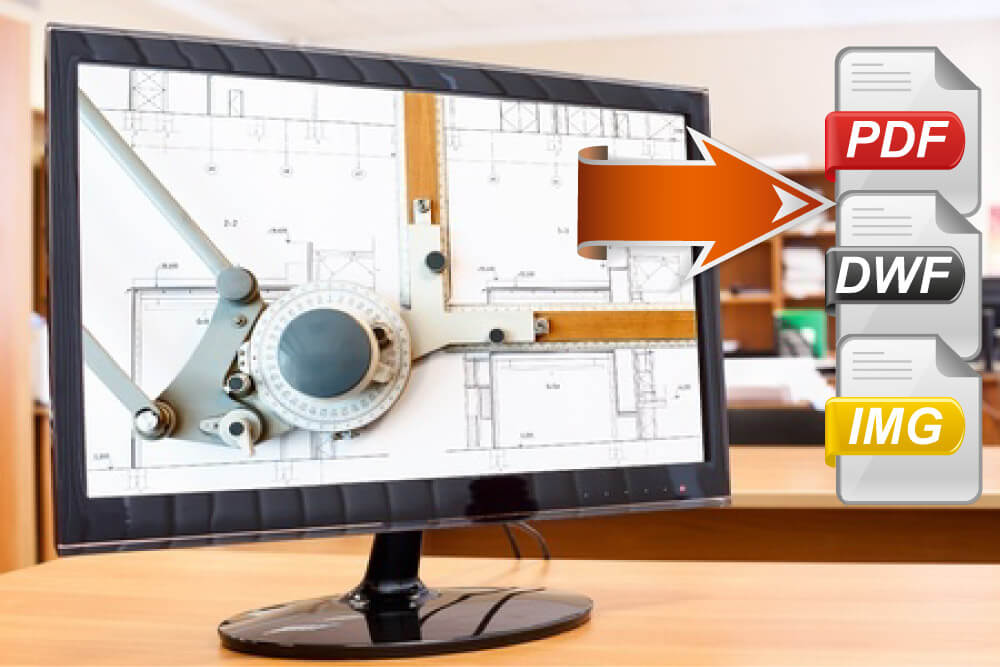
AcroPlot Suite
Batch Convert DWG to PDF and More.
- AcroPlot Suite™ is our most popular solution!
- Batch convert an extensive list of file types to PDF, DWF, TIFF and more.
- Quickly convert your drawings to PDF with our AutoCAD toolbar.
- Print from any Windows program to create high quality PDF files.
- Easily add/remove pages, rotate, comment, stamp, fill & sign forms, and batch print PDF files.
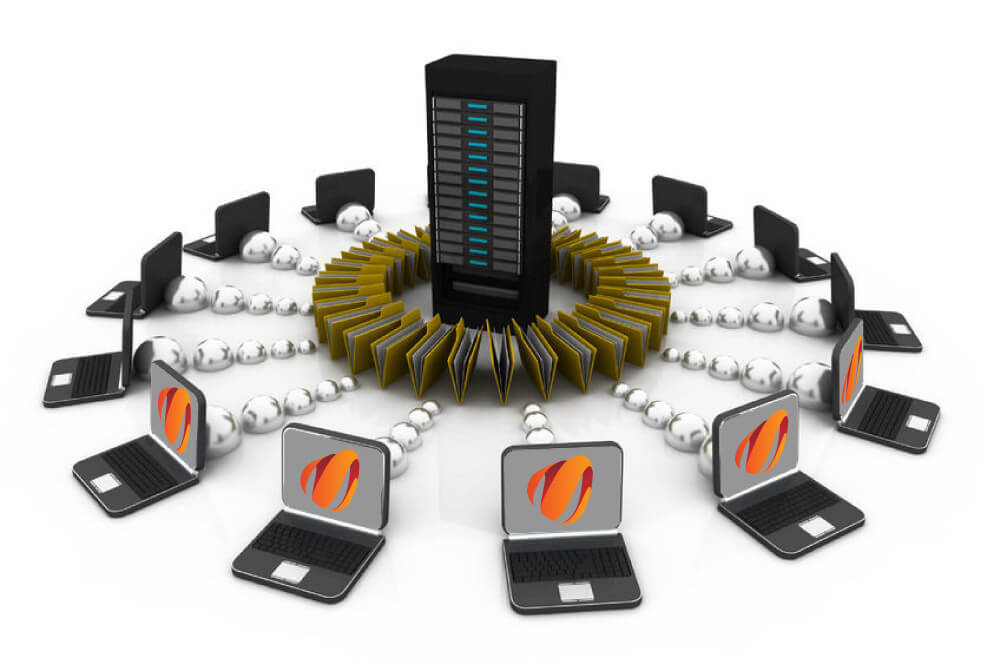
AcroPlot Auto
Automated Server Based Conversion
- AcroPlot Auto™ will run continuously or at scheduled times to automate the publishing of your project files.
- Audit project files nightly and only convert files that changed to maintain current progress and updated project plan sets.
- Link part files to a website and have a new PDF created and published whenever a design is released or updated.
- Robust conversion engine that is easily integrated to work with document management systems to provide optimal conversions for an extensive list of file types.
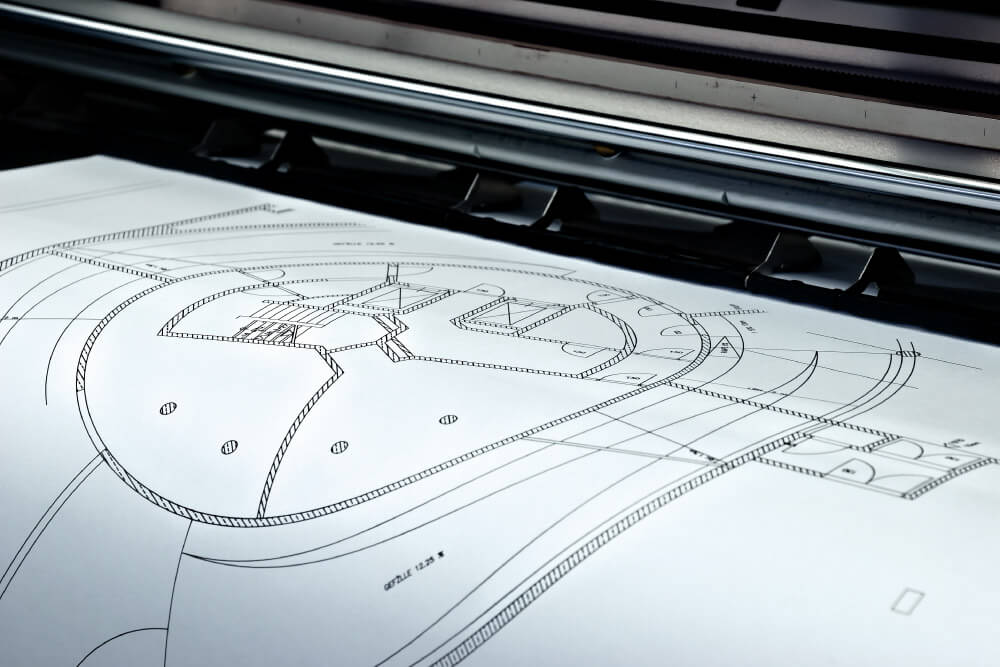
AcroPlot Repro
High Quality Plotter Output
- AcroPlot Repro™ is a high-end replacement application to the Ghostscript PDF processing utility used by Oce Repro Desk, Kip Request, MetaPrint, and other programs that print PDF and DWF files.
- Seamless integration with popular plotting applications means your staff doesn’t have to learn or change production workflow(s).
- Create half-size prints that are not darker and match the grayscale of full-size originals.
- Eliminate “flattening” PDF processing bottlenecks and decrease file processing time.
- Built-in rendering settings test makes it easy to discover which output method will satisfy your client.